QR payments at the table
QR code payment at the table in under a minute
Guests scan the QR on the table, see the bill, split it and pay with Apple Pay or Google Pay. The table closes in your POS.
Works with Apple Pay, Google Pay, Visa and Mastercard. No app needed.
QR on the table
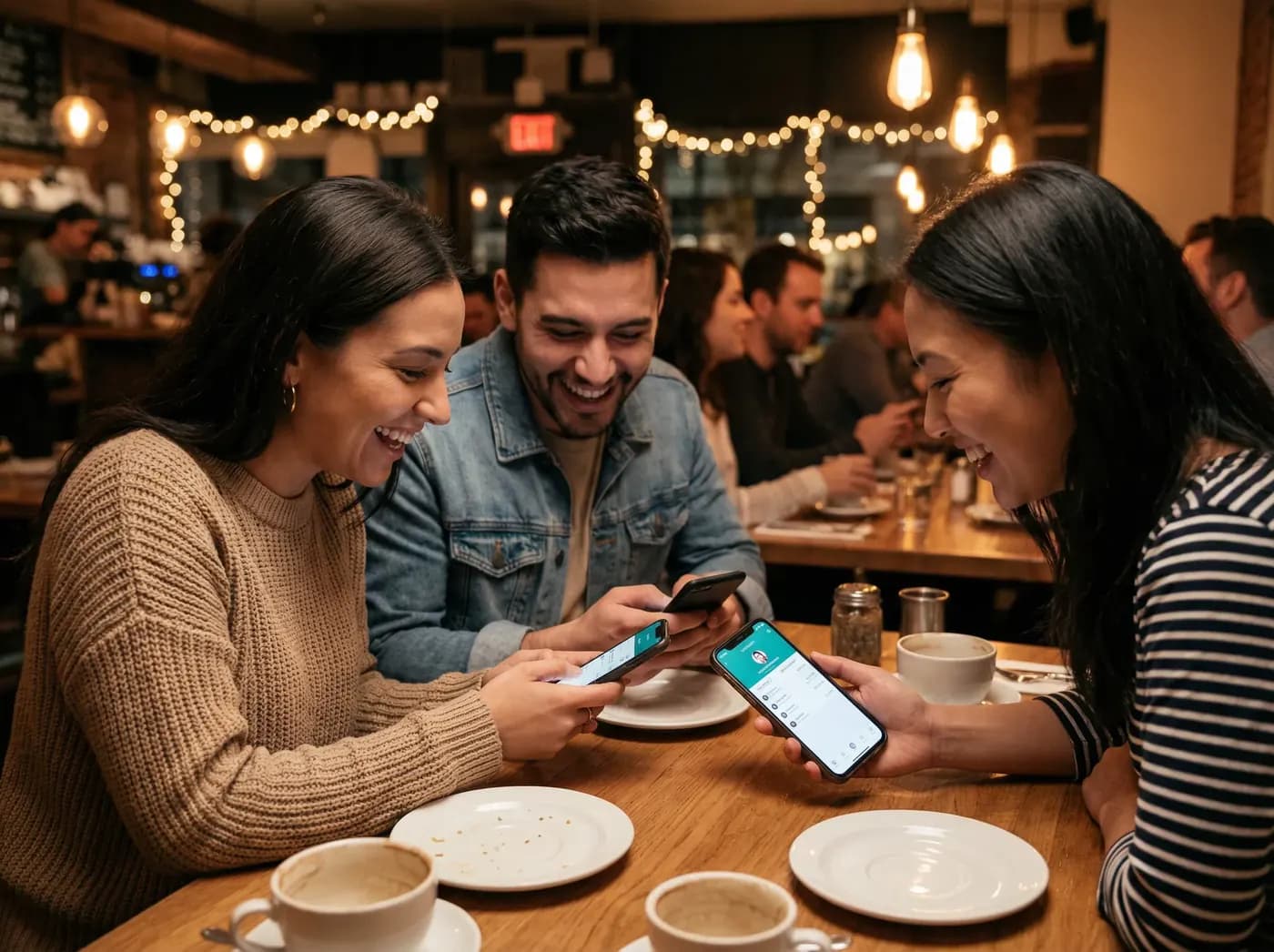
For guests
Pay when you are ready
No app, no registration, no waiting.
- 01
Scan the QR code
Scan with your camera and the bill opens on your phone.
- 02
Browse the menu
The full menu on your phone.
- 03
See your bill
Itemised, in Azerbaijani, English or Russian.
- 04
Split it your way
Equally, by item or any amount.
- 05
Pay in one tap
Apple Pay, Google Pay or bank card.
- 06
Leave a review
Rate your visit after paying.
- 07
Leave without waiting
No terminal, no queue. The table closes in the POS automatically.
How it works
Scan, view the bill, split, pay, go
Five steps for the guest. Nothing to install.
- 01
Scan
Phone camera, no app.
- 02
View the bill
Live and itemised, straight from the POS.
- 03
Split
Equally, by item or any amount.
- 04
Pay
Apple Pay, Google Pay or bank card.
- 05
Go
The table closes in the POS. No waiting.
Traditional payment
12-15 min- 3-5 min
- 2-4 min
- 3-5 min
- 1-2 min
- 2-4 min
Q-Pay
< 60 sec- 5 sec
- 15 sec
- 10 sec
- 5 sec
- Done
- < 60 sFrom scan to paid
- 1.00 ₼+Service fee per payment
- 0Card numbers stored by Q-Pay
- 0Extra hardware in the venue
What changes
The meal ends. Then everyone waits.
- Guests
Guests wait for the terminal and split the bill by hand.
With Q-Pay they scan, split and pay from their own phone.
- Staff
Staff carry the terminal from table to table and re-enter amounts.
With Q-Pay the table closes in the POS on its own.
- Owners
Owners lose money to walk-outs and spend month end reconciling by hand.
With Q-Pay every payment is matched to a bill in the POS.

For restaurants
Faster tables, less work, one transparent fee
Less time and workload
No terminal runs, no re-entering amounts.
Faster payment
Guests pay the moment they are ready.
Split bill
Groups pay their own shares.
Lower payment costs
Service fee from 1.00 ₼ per payment.
Menu integration
Your menu is synced from the POS and shown to guests.
Guest reviews
Guests leave a review right after paying.
No additional hardware
Your tables and your POS are enough.
- R-Keeper
- iiko
- Smart Horeca
- and others
- Epoint
- Bank Respublika
- Xalq Bank
- and others
How Q-Pay integrates
One flow from the guest to your finance team
Nothing is replaced: the POS keeps the bill, the payment partner processes the payment, finance gets matching records.
- Guest phoneScan, bill, split, pay
- POS systemBill pull, table close
- Payment partner / bankAuthorisation, settlement
- Finance and reportingRecords, reports
Security
Card data never touches Q-Pay
Payments are processed by certified payment partners.
No card storage
Card details stay with the payment partner.
Encrypted
TLS in transit, encrypted at rest.
Local legal entity
Contracts under Azerbaijani law.
Access control
Role-based access, changes logged.
Platform capabilities
What is live, what is ready, what is next
- LiveIn production
- Pilot-readyOffered to pilot venues
- RoadmapPlanned
QR pay at the table
Table-specific codes, bill in the browser.
LiveLive bill from the POS
Itemised, updates with the order.
LiveMenu integration
Restaurant menu synced from the POS.
LiveBill splitting
Equal, by item or any amount.
LiveApple Pay and Google Pay
One-tap payment.
LiveBank card entry
For guests without a wallet.
LivePOS integration
Bill pull and table close, two-way.
LiveTips and service charge
Configurable per venue.
LiveGuest reviews
Ratings and comments after payment.
LiveReporting and exports
Daily and monthly, for your accountant.
LiveMulti-branch management
Group view and per-venue settlement.
LiveSettlement files
Match the POS closing report.
LiveAPI and white label
For partners and POS vendors.
LiveDigital receipts
Sent to the guest, stored for the venue.
Pilot-readyVenue dashboard
Payments and open tables in one view.
Pilot-ready
For groups and partners
Restaurant groups, hotels, franchises, banks and POS vendors
Next step
Connect your restaurant or book a demo
Thirty minutes, online or at your venue. We show the flow live and agree the next step in writing.
In Azerbaijani, English or Russian.
Questions
Frequently asked questions
Do guests need an app?
No. They scan with the camera and pay in the browser.
Which POS systems do you support?
R-Keeper, iiko, Smart Horeca and others. Bring your POS to the demo.
Which bank processes the payments?
Our payment partners, currently Epoint, Bank Respublika and Xalq Bank. Other banks: ask us.
How long does it take to connect?
It depends on the POS. We agree a date at the first meeting.
How does pricing work?
The service fee starts from 1.00 ₼ per successful payment. Details at the demo.
Who owns the data?
You do. Stored encrypted, processed in Azerbaijan, exportable on request.